
If you run a landscaping crew in Ogden, a salon in Layton, or a dental office in Salt Lake County, many new customers meet you on Google before they ever call. Your star rating and what other customers wrote are often the first things they read. Getting more Google reviews isn't luck. It's a simple, repeatable habit, as long as you follow the rules.
This guide covers where to find your review link and QR code, when and how to ask, how to automate the ask without being pushy, how to reply (including to negative reviews), and the Google and FTC rules you can't ignore. No fake-review tricks and no ranking promises.
Why Google Reviews Matter for Utah Small Businesses
Google says reviews can help your business stand out and give potential customers helpful info, and that they show next to your Business Profile in Maps and Search. (Google Business Profile Help: Tips to get more reviews)
Reviews also connect to local visibility. Google explains that prominence (how well-known a business is) is partly based on how many reviews you've, and that more reviews and positive ratings can help your local ranking. The same page is clear that there's no way to request or pay for a better local ranking. (Google Business Profile Help: Tips to improve your local ranking)
If your profile itself still needs work (categories, hours, photos, matching name, address, and phone), start with our Google Business Profile checklist for Utah, then come back here.
The Rules: What Google and the FTC Allow
Google's review policy
Google's Maps content policy says reviews must reflect a genuine experience. Businesses are not allowed to:
- Offer incentives such as payment, discounts, or free goods or services in exchange for a review, or for changing or removing a negative review.
- Discourage negative reviews, or selectively ask only happy customers.
- Pressure customers to review while they're on your premises, or ask for specific content (including naming a staff member).
- Set staff targets for a certain number of reviews.
- Post reviews based on a conflict of interest, such as reviews from employees or family members.
What Google does allow: asking customers to share a genuine experience, without incentives and without trying to influence the rating or what they write. (Google Maps User Generated Content Policy: Prohibited and restricted content)
The FTC's Consumer Reviews and Testimonials Rule
The FTC's Rule on the Use of Consumer Reviews and Testimonials went into effect on October 21, 2024, and authorizes courts to impose civil penalties for knowing violations. According to FTC staff guidance:
- A business can't offer an incentive that expressly or implicitly requires a review to be positive.
- Asking only customers you think are happy isn't specifically banned by the rule, but it could violate the FTC Act.
- You can respond publicly to a negative review, but not with false accusations, threats, or intimidation.
- Reputation management companies and agencies are not immune from liability under the rule.
(FTC: The Consumer Reviews and Testimonials Rule: Questions and Answers)
The takeaway: ask every customer for an honest review, never pay or discount for it, and never filter who gets the request. This article is not legal advice; for a specific situation, talk with a qualified attorney.
1. Get Your Google Review Link and QR Code
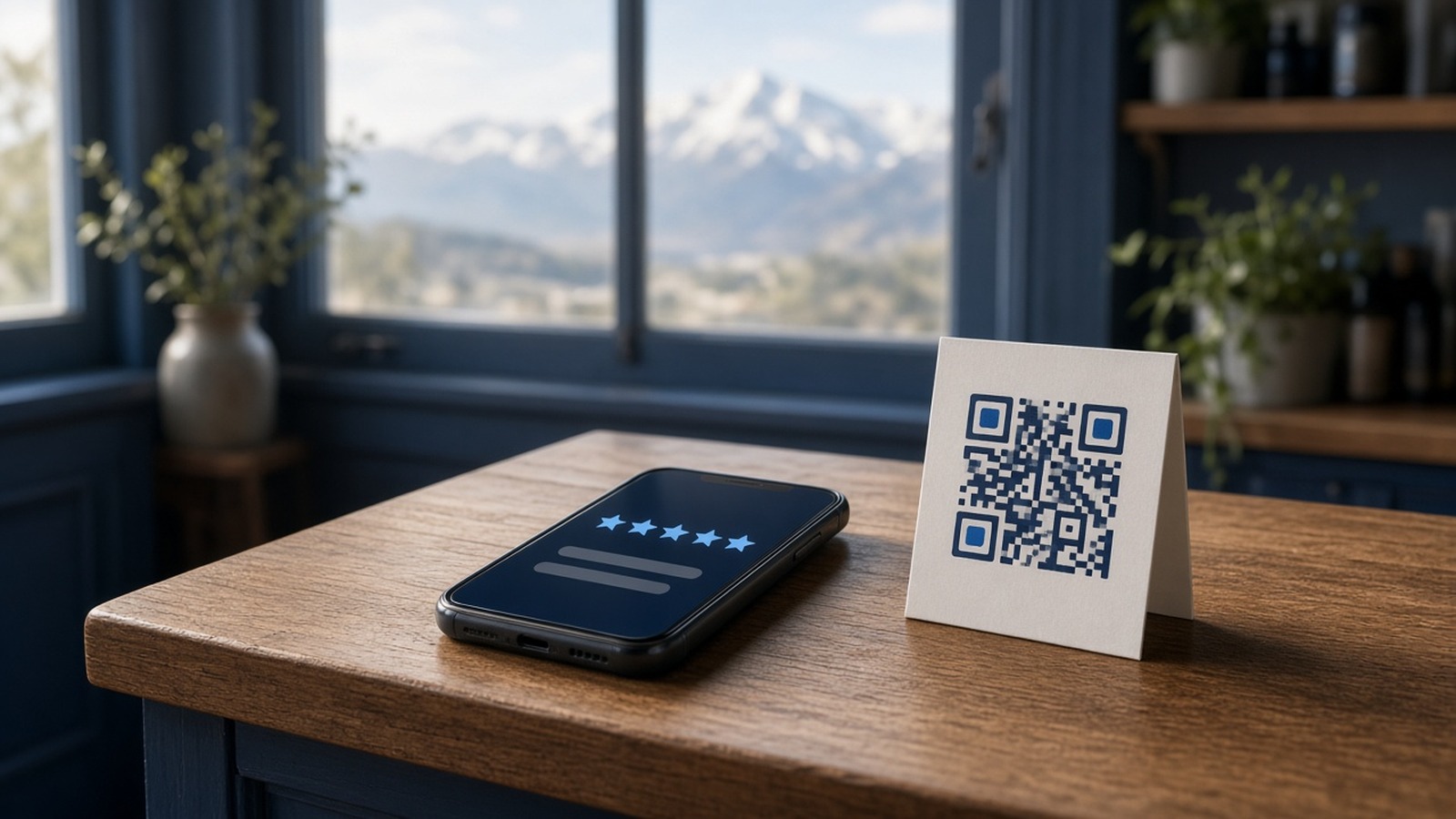
The fastest way to get more reviews is to remove friction. Google's help center says to go to your Business Profile, select Read reviews, then Get more reviews. From there you can copy your review link or right-click the QR code to save it. Review QR codes can currently be generated only on a computer browser, not on mobile devices. (Google Business Profile Help: Create a Google link or QR code to request reviews)
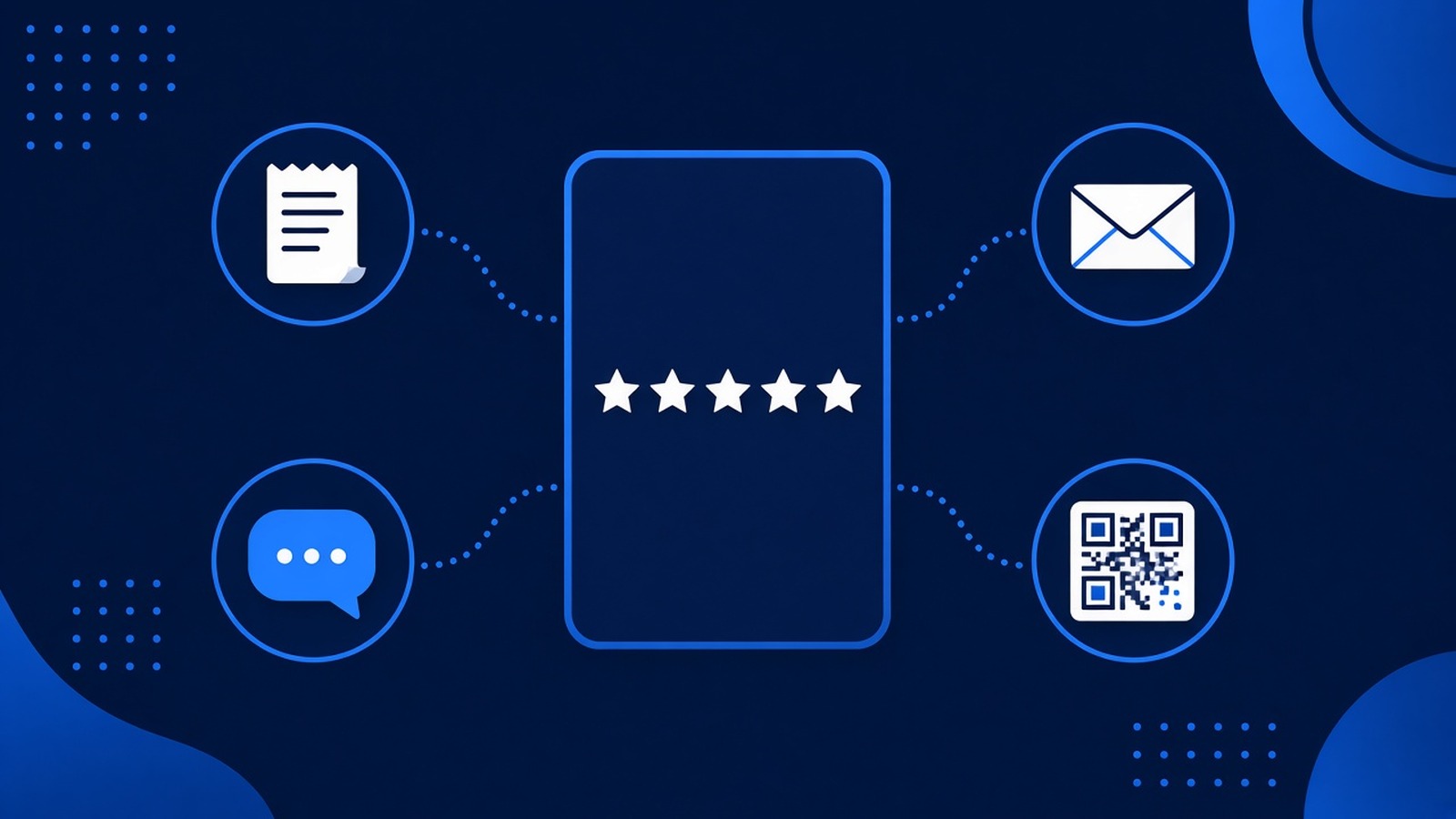
Google suggests putting the link or QR code on receipts, in thank-you emails, at the end of a chat, and on a printed sign in your store. Save the link where your whole team can find it, and test it on your phone now and then.
One more tip from Google: customers must be signed into a Google Account to leave a review, and they can create one with a non-Gmail email address.
2. Ask Every Customer at the Right Moment
Timing matters more than wording. The best moment is right after the job is done and the customer sees the result: the furnace is running, the haircut looks great, the invoice is paid. Ask too early and there's nothing to review. Wait weeks and the moment has passed.
Keep the request the same for everyone. Google doesn't allow asking only the customers you expect to leave five stars, so write one request and send it to every completed customer.
Simple review request examples
Text (only to customers who agreed to receive texts from you):
Hi [first name], thanks for choosing us today. If you've a minute, we'd appreciate an honest Google review of your experience: [your review link]
Email:
Thanks again for working with us. If you're willing, you can leave an honest review on Google here: [your review link]. And if anything wasn't right, just reply to this email and we'll make it right.
Notice what's missing: no "5-star" request, no coupon, no "only if you loved it."
3. Automate the Ask With Your CRM
Most owners don't skip review requests on purpose. They forget because they're already on the next job. The fix is to tie the request to something that already happens: a job marked complete, an invoice paid, or an appointment checked out.
A business CRM makes this practical. When each customer has one contact record and a pipeline stage, an automation can send the request when the deal moves to "Won." Our guide to business CRM for Utah small businesses covers the basics, including consent for texts.
Keep it polite: one request and, at most, one gentle reminder a few days later. Business automation handles the timing, and your team can still step in personally. Our Reputation Management service sets up review links, automated review invitations after a job is done, and one dashboard to read and reply to reviews.
4. Reply to Reviews the Right Way
Replies are public, and future customers read them as closely as the reviewer does. Google's guidance: be professional and polite, keep it short, make replies count instead of pasting the same "thank you" everywhere, and be conversational, not promotional. (Google: Tips to get more reviews)
Worth knowing: you must verify your business before you can reply, Google checks replies against its content policies, and the reviewer is notified when you reply and can still change their review. (Google Business Profile Help: Manage customer reviews)
How to reply to a negative review
Every good business gets a bad review eventually. Google notes that a mix of positive and negative feedback often feels more trustworthy. Its tips for negative reviews:
- Protect the reviewer's privacy and never make it personal.
- Be honest, acknowledge mistakes, and explain what you can and can't do.
- Apologize when appropriate.
- Invite the customer to call or email so you can resolve it privately.
- Respond promptly.
The FTC adds guardrails: no false accusations about the reviewer and no threats to get a review removed. Reaching out to fix the problem is fine. If a review truly breaks Google's policies, flag it for Google instead of arguing in public.
5. Show Your Reviews on Your Website, Honestly
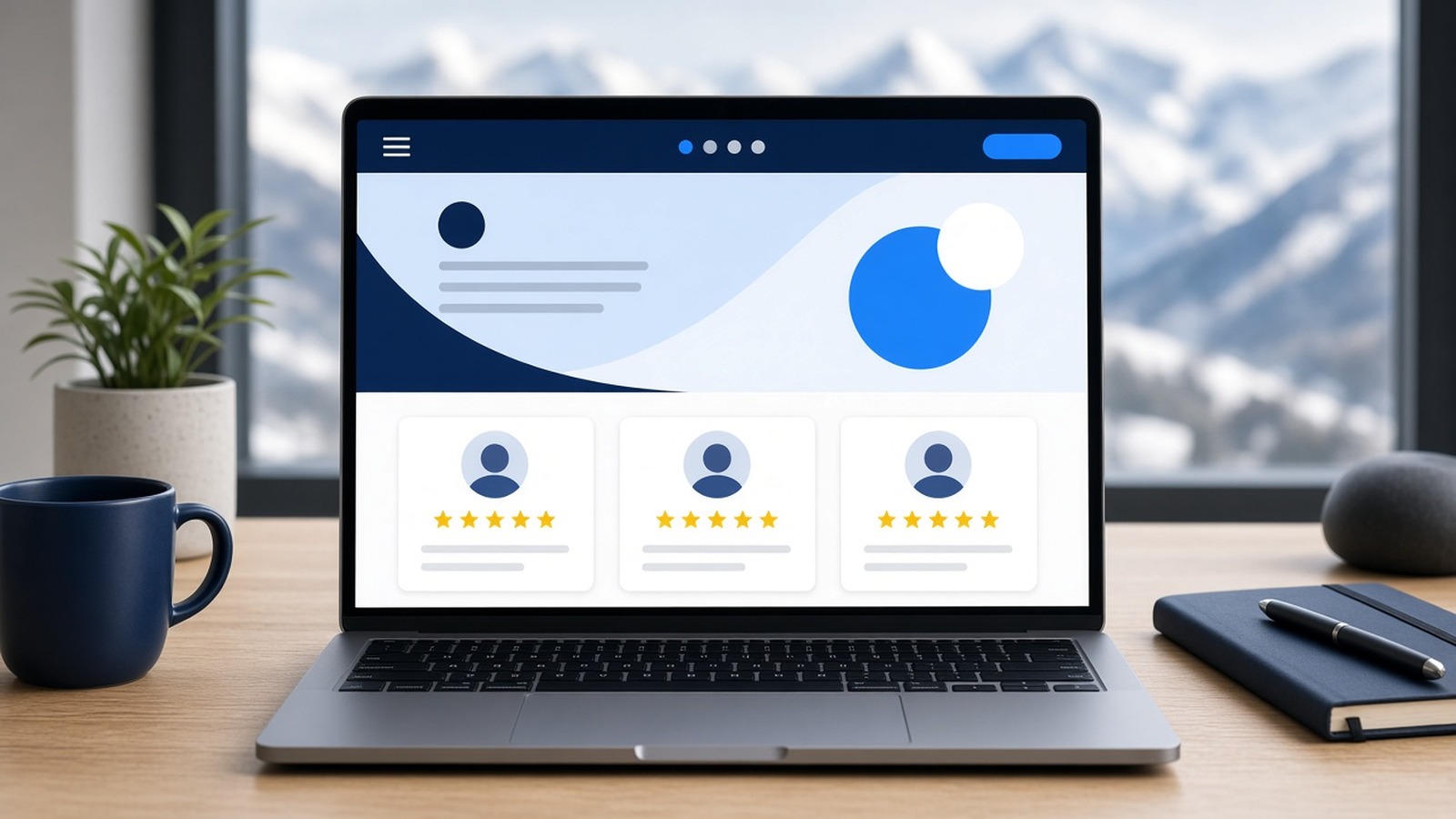
Adding a reviews section to your website puts social proof right where visitors decide to call or fill out your form. Keep it honest: the FTC explains that reviews featured in marketing become testimonials, and that using non-representative reviews in marketing could be deceptive. A live feed of your real Google reviews is safer than three hand-picked quotes that don't match what customers see on Google.
Common Google Review Mistakes to Avoid
- Trading a discount or gift card for a review. Google prohibits incentives.
- Review gating. Sending happy customers to Google and unhappy ones to a private form is selective solicitation.
- Asking employees or relatives to post. Google treats these as conflict-of-interest reviews.
- Buying reviews. That's fake engagement, and the FTC rule covers businesses that buy or sell fake reviews.
- Asking once a year in a big batch. A steady habit keeps your reviews recent and natural.
Google Review Checklist for Utah Small Businesses
- Verify your Google Business Profile so you can reply to reviews.
- Copy your review link and download your QR code from a computer browser.
- Add the link to receipts, invoices, and thank-you emails.
- Print the QR code for your counter, front desk, or service truck.
- Write one neutral review request for text and one for email.
- Send it to every completed customer, not just the happy ones.
- Only text customers who agreed to receive texts.
- Trigger the request from your CRM when a job is complete, with one reminder at most.
- Reply to new reviews promptly, positive or negative.
- Show real, representative reviews on your website.
- Never offer incentives, set staff review quotas, or ask for specific wording.
Frequently Asked Questions
Can I offer a discount for a Google review?
No. Google prohibits offering payment, discounts, or free goods or services in exchange for a review, or for changing or removing a negative one.
Is it okay to ask only my happiest customers?
No. Google doesn't allow selectively soliciting positive reviews, and FTC staff say the practice could violate the FTC Act. Ask everyone the same way.
How do I get a bad review removed?
If a review violates Google's content policies, flag it. If it's a real customer's honest experience, reply calmly, offer to fix the issue, and let your response and other reviews tell the full story.
Do Google reviews help my local ranking?
Google says more reviews and positive ratings can help your local ranking. Reviews are one factor alongside relevance and distance, so pair them with a complete Business Profile and solid local SEO.
Get Help Building a Review System in Utah
1 Day Website Utah has helped Utah businesses since 2014 from our home base in Ogden. We set up reputation management, connect review requests to your CRM and automation, and build websites that show your reviews where customers decide.
Ready to turn happy customers into steady, honest Google reviews? Contact us or request a free quote. You can also call or text (385) 999-2468 or email hello@1daywebsiteutah.com.
Sources
- Google Business Profile Help, "Tips to get more reviews": support.google.com/business/answer/3474122
- Google Business Profile Help, "Create a Google link or QR code to request reviews": support.google.com/business/answer/16816815
- Google Business Profile Help, "Manage customer reviews": support.google.com/business/answer/3474050
- Google Business Profile Help, "Tips to improve your local ranking on Google": support.google.com/business/answer/7091
- Google Maps User Generated Content Policy, "Prohibited and restricted content": support.google.com/contributionpolicy/answer/7400114
- Federal Trade Commission, "The Consumer Reviews and Testimonials Rule: Questions and Answers" (November 2024): ftc.gov/business-guidance/resources/consumer-reviews-testimonials-rule-questions-answers
Ready to get your business online?
1 Day Website Utah has been helping Utah businesses build fast, high-converting websites since 2014. Let's talk about yours.